


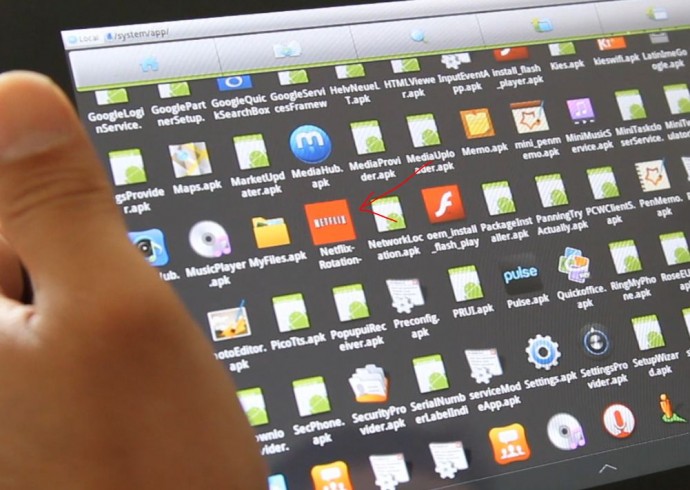
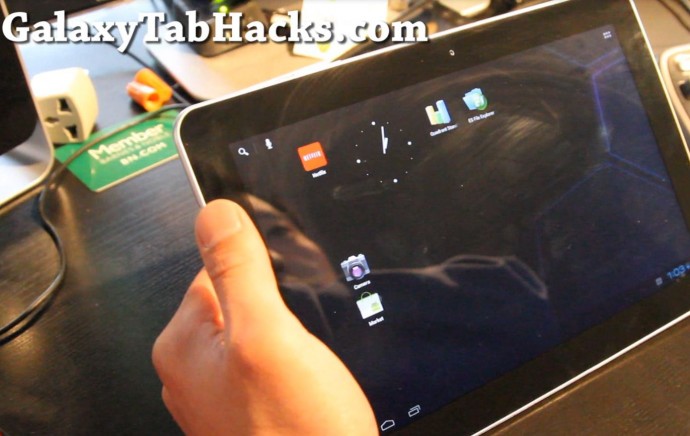
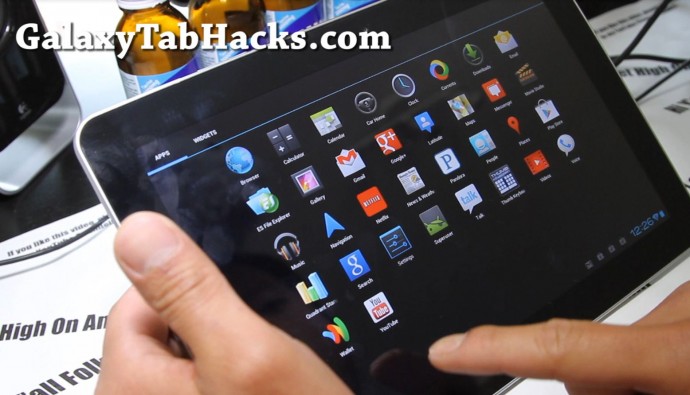
For those of you on Starburst ROM, did you know you can enable Netflix? Simply download a file browsing app like ES File Manager off the Market, browse to System/app directory and open Netflix-Rotation- to re-install Netflix!
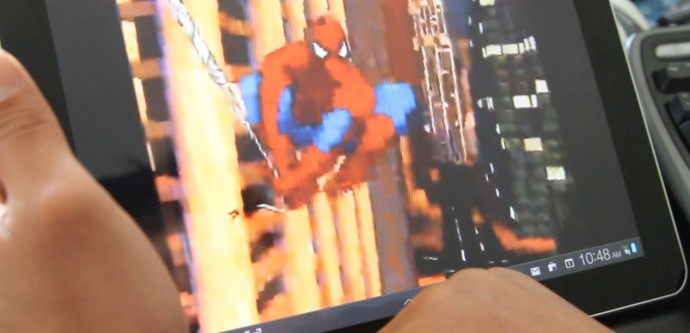

If you like this post, please CLICK HERE to subscribe to my YouTube channel, THANKS A TON BUD, I OWE YOU ONE!
Want to stay updated on latest Galaxy Tab hacks and tips?
Sign up for our Galaxy Tab Hacks Newsletter here so you don't miss a single tip!
Sign up for our Galaxy Tab Hacks Newsletter here so you don't miss a single tip!
Categories: Galaxy Tab 10.1 Apps, Galaxy Tab 10.1 Hacks.
 Subscribe via RSS
Using Galaxy Tab 10.1 (wifi) with Starburst Rom and overclock kernel using instructions from this site. I have to reinstall the Netflix apk after every reboot or it won’t work. Any thoughts on this?