Tag Archives: how to

Recommended How-to

How to Root Galaxy Tab 2 7-inch/11-inch!

Want to root your Galaxy Tab 2 7-inch or 11-inch?

The method is nearly identical to Galaxy Tab 10.1 except you need the correct ClockworkMod Recovery for your Tab 2 version.

For Galaxy Tab 2 7-inch, please see ClockworkMod Recovery for Tab 2 7-inch and install it.

For Galaxy Tab 2 10.1-inch, please see ClockworkMod Recovery for

Click Here to Read Full Article

3 Comments

How to Overclock ICS on Galaxy Tab 10.1 with A1 Kernel!

howto-overclock-galaxytab101

Does your stock ICS ROM lag? Well, there’s a fix for that.

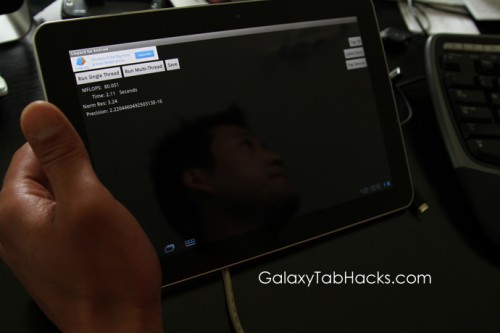
If you have a Galaxy Tab 10.1 3G P7500 version of Wifi P7510 version, you can install A1 kernel, which allows you to overclock up to 1.4Ghz with the use of SetCPU app. After overclocking my Tab 10.1 to 1.4Ghz, I can clearly tell my tablet runs much faster like it should.

This kernel also gives you additional features like Voodoo Sound app support (download from Play Store), USB charging, and more.

Give it a go if you have a stock ICS ROM and let me know what you think!

Download:

Click Here to Read Full Article

115 Comments

How to Root ICS on Galaxy Tab 10.1! (Also for Tab 2)

howto-root-galaxytab101-ics

So, you just updated your Galaxy Tab 10.1 to official ICS (or custom ICS) and enjoying it? Well, you should go root it immediately so you have root again, here’s a video tutorial that shows you how to do it easily.

First, you will need to install ClockworkMod Recovery for your Galaxy Tab 10.1. Do that first and follow thi

Click Here to Read Full Article

79 Comments

How To Unroot/Update to Official ICS Android 4.0.4 on Galaxy Tab 10.1!

howto-unroot-update-official-ics-android404-galaxytab101

As many of you know, the official ICS Android 4.0.4 for Galaxy Tab 10.1 was pushed out last night. For those of you who have updated, you should be good to go. For those of you on a custom ROM, here’s how to unroot/update your Galaxy Tab 10.1 (P7500 or P7510) to the official ICS.

Also you can use this method to update your Galaxy Tab 10.1 on a stock unroot/rooted ROM.

If you are on a custom ROM, please MAKE A BACKUP OF EVERYTHING ON YOUR INTERNAL STORAGE, as doing a “Factory reset” (at the end of the video) will erase all contents of your internal

Click Here to Read Full Article

151 Comments

How to Unroot Galaxy Tab 10.1!

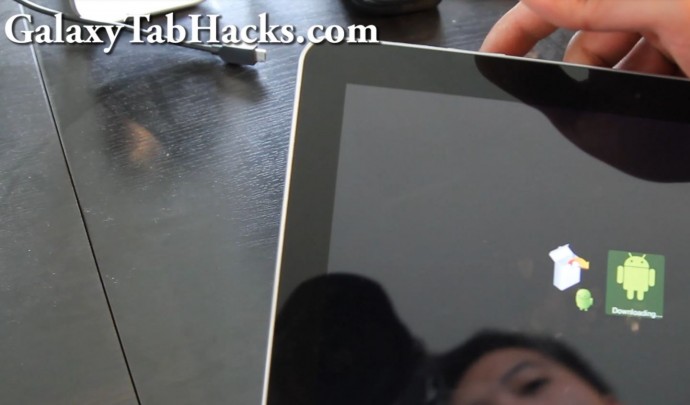
To unroot your Galaxy Tab 10.1, you can download the appropriate stock ROM for your Galaxy Tab 10.1 (find it here on XDA), then do the following:

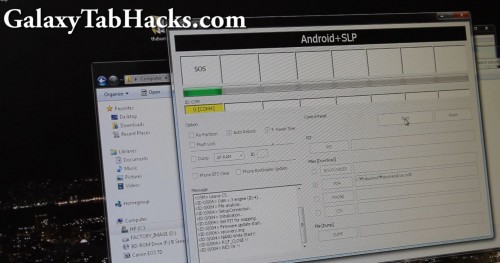
Put your Galaxy Tab 10.1 in ODIN download mode by holding down both Power Button and Volume Down button and let go when your Tab 10.1 reboots, shows Samsung logo, then 2 menus.

Hit Volume Up button and your Tab 10.1 should be in ODIN download mode.

Open up Odin3v1.85.exe program.

Choose PDA and choose the file ending in “tar.md5″

Click Here to Read Full Article

4 Comments

How To Install CWM Recovery 5.5.0.4 on Galaxy Tab 10.1!

howto-install-cwm-recovery-galaxytab10.1

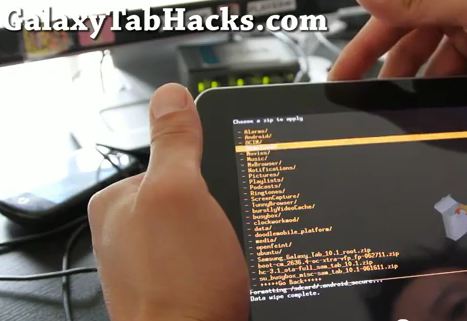
This guide will show you how to install CWM Recovery 5.5.04 on your Galaxy Tab 10.1 for ALL models listed here.

By installing CWM Recovery, you will be able to easily root your Galaxy Tab 10.1 (by flashing Superuser.zip file in CWM Recovery) or install/backup/restore ROMs.

Download: Download CWM Recovery files (Don’t have unzipping program? Download and install

Click Here to Read Full Article

93 Comments

How to Enable USB Charging on your Computer and All USB Charging Adapters on your Galaxy Tab 10.1!

galaxy-tab-10.1-usb-charging-hack-1

Tired of not being able to charge your Galaxy Tab 10.1 only on its exclusive AC charger?

NOTE: THIS IS ONLY FOR HONEYCOMB!!!

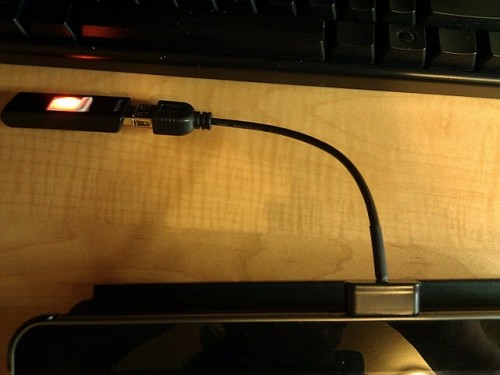
The Galaxy Tab 10.1 stock only allows you to charge via USB Wall charger which is rated at 2 amps, here’s how to hack it for any rooted Galaxy Tab 10.1 running Pershoot kernel so you can charge it via USB on your computer or even regular USB chargers.

Step 1. First, you will need a rooted Galaxy Tab 10.1 with Pershoot’s overclocking kernel or a custom ROM with Pershoot’s overclocking kernel.

Step 2. Install

Click Here to Read Full Article

105 Comments

How to Backup/Restore Apps on Rooted Galaxy Tab 10.1 with Titanium Backup!

galaxy-tab-101-titanium-backup-4

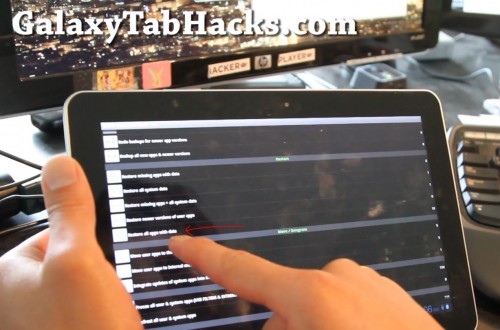
For those of you who are installing new ROMs, you will definitely want to backup all your apps using Titanium Backup app, available for free on the Market.  (The pay version is better btw, one-click restore.)

Step 1. Simply run the app, Goto Schedules tab and hit “Run” under “Backup of all apps & newer versions”.  This will backup all your non-system apps that you’ve installed along with data, if there’s any stored in it.

Step 2. Now, if there’s any system apps such as Memo app that you’ve wrote some memos,

Click Here to Read Full Article

4 Comments

How to Enable Netflix on Galaxy Tab 10.1!

galaxy-tab-netflix-2

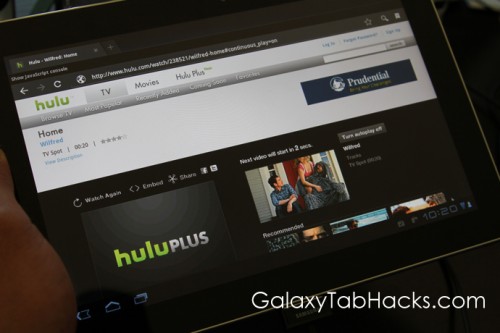
For those of you on Starburst ROM, did you know you can enable Netflix?  Simply download a file browsing app like ES File Manager off the Market, browse to System/app directory and open Netflix-Rotation- to re-install Netflix!


VN:F [1.9.20_1166]

Click Here to Read Full Article

2 Comments

How to Enable AdHoc WiFi on Galaxy Tab 10.1!

adhoc-android-tablet

Want to tether your Galaxy Tab 10.1 to your AdHoc WiFi on Android smartphone?

You can by rooting your Tab 10.1 and installing a wifi module that supports AdHoc.

Full directions on How to Enable AdHoc Wifi on Android tablets over at AndroidTabletHacks.com

This also works on any Android tablet device.

VN:F [1.9.20_1166]

Click Here to Read Full Article

14 Comments
  • Page 1 of 2
  • 1
  • 2
  • >